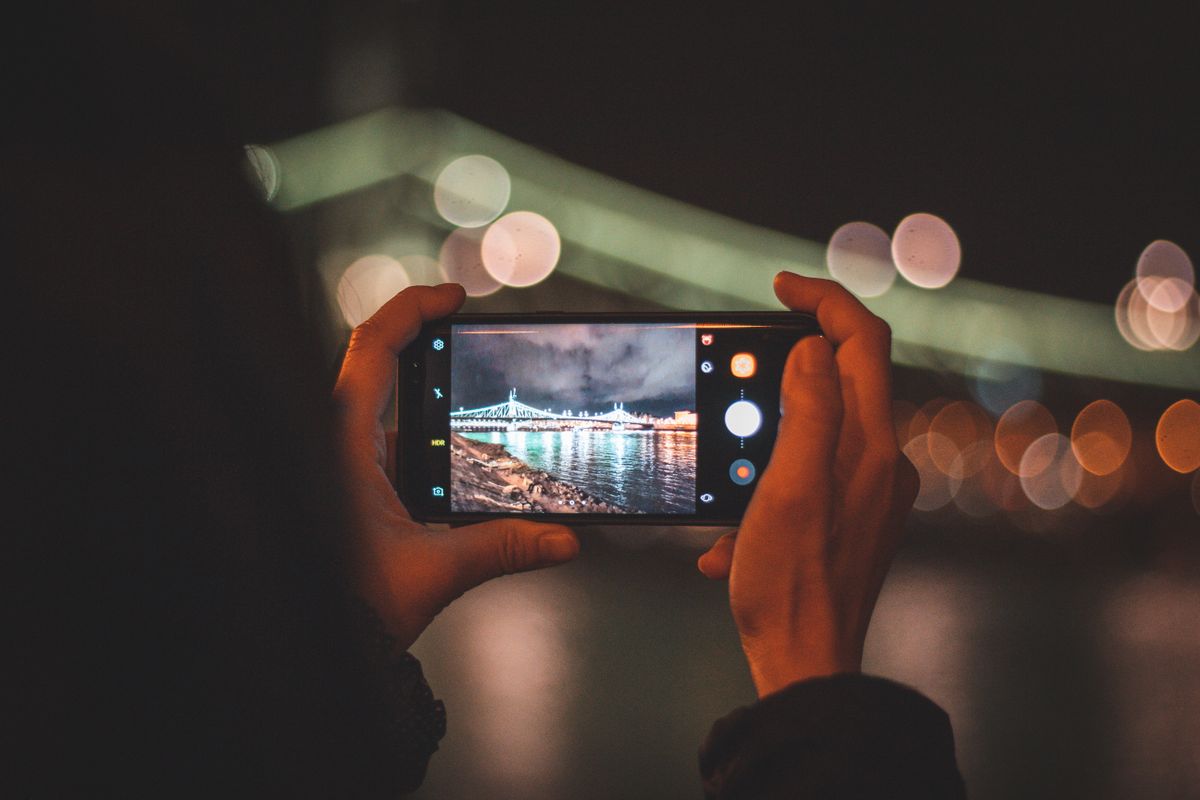
An instagram photo downloader hd helps you save a public Instagram photo in clear, high-quality form, rather than a blurry screenshot or a compressed copy. That matters for wallpapers, mood boards, travel memories, and reference images for cooking or design, where detail actually matters. On iGram Word, you copy the photo link, paste it into the free online tool, download the image, and save it to your phone or computer, without installing an app.
Many people look for a photo downloader after finding a picture they want to keep, such as a landscape, a recipe presentation, or a friend’s public travel shot. Streaming it again depends on a connection and on finding it in a busy feed, while a saved copy is ready offline. This guide explains the steps, what HD really means, where the file goes, and the limits you should respect.
How to Use an Instagram Photo Downloader HD
Using an instagram photo downloader hd on iGram Word follows four steps, and the flow is the same on Android, iPhone, and desktop.
- Copy the photo link. Open the public Instagram photo, tap the share icon, and choose Copy Link. Make sure the photo is public, because private accounts and private posts cannot be downloaded.
- Open the iGram Word photo tool. Go to the Instagram Photo Downloader page on iGram Word. It works in your browser, so there is nothing to install.
- Paste the link and tap Download. Paste the copied link into the box and tap or click Download. The tool prepares the public photo for saving.
- Save the image. Choose the download option and save the photo. On a phone, it usually goes to Gallery, Photos, or Downloads. On a computer, it goes to Downloads unless you choose another folder.
If the download does not start, paste the link again and check that it is complete. Do not enter your Instagram password into a downloader, because a tool for public content should never need it.
What HD Means for an Instagram Photo Downloader HD
HD is often used loosely, but in practice it means a clear photo that keeps detail when you zoom in or view it on a larger screen. A screenshot, by contrast, captures your screen at a lower resolution and can include buttons, captions, and other clutter. A direct download avoids that clutter and keeps the photo cleaner.
Still, a downloader cannot improve a photo beyond the quality the creator uploaded. If the original was small or heavily compressed, the saved copy will reflect that. What a good downloader does is avoid adding another round of compression or a watermark on top. Check the saved photo after downloading, especially if you plan to use it as a wallpaper or print it, because a quick check saves frustration later.
File format is usually JPEG for Instagram photos, which works on almost every phone and computer. You can rename the file to something clear, such as the place or dish shown, so you can find it later without opening dozens of images.
Where Saved Photos Go, and Honest Limits
On Android, check Gallery, Google Photos, or Files and Downloads. On iPhone, check Files and Downloads first, then save the image to Photos if you want it in your main library. On a computer, check Downloads, then move the photo to a folder for saved images if you like to keep things organised.
Only public content can be downloaded. Private accounts, private posts, and content that needs an Instagram login are not available through this tool. Stories cannot be fetched without an Instagram login on this tool, so use the public Reels, photos, videos, or carousel options instead.
Keep downloads for personal use, credit the creator if you share a photo with permission, and do not present someone else’s work as your own. iGram Word is not affiliated with Instagram or Meta, and it does not offer premium upsells, special apps, or private-account downloads. For general creator-rights guidance, see the Instagram Help Centre. A few good habits help too: copy links directly, save only photos you will use, and check each file before you go offline.
Instagram Photo Downloader HD: Frequently Asked Questions
Can I use an instagram photo downloader hd for free? Yes, the iGram Word tool is free and browser-based. You only need a public photo link and enough storage space for the image.
Do I need to log in? No, you do not need to log in to download a public photo with this tool. Never enter your Instagram password into a downloader.
Why is a photo not as sharp as I expected? Sharpness depends on the original upload. A downloader cannot create detail that was not in the original, but it can avoid the extra loss caused by screenshots.
Where is the photo saved? On Android, check Gallery or Files and Downloads. On iPhone, check Files and Downloads, then save to Photos. On a computer, check Downloads.
Can I repost a downloaded photo? No, do not repost someone else’s photo as your own. Keep it for personal viewing, or share it only with the creator’s permission and clear credit.
To try it now, open the Instagram Photo Downloader on iGram Word, paste a public photo link, and save a clear copy for offline viewing.
One last habit helps with photo collections. When you save several images from the same trip or topic, keep them in one folder with clear names, and delete duplicates straight away. A tidy collection is far more useful than a large one, and it makes it easy to find the exact photo you wanted when you need it again, whether that is for a wallpaper, a mood board, or simple offline viewing.